Owner's manual · Model VX-1VX-G
User guide
How to use Voxlight, task by task. Every chapter has steps, tips and a fix list.
No topic matches. Try another word, or write to support. Support
§G1 Chapter 1 VX-G1
Getting started
§G2 Chapter 2 VX-G2
§G3 Chapter 3 VX-G3
Reading and listening
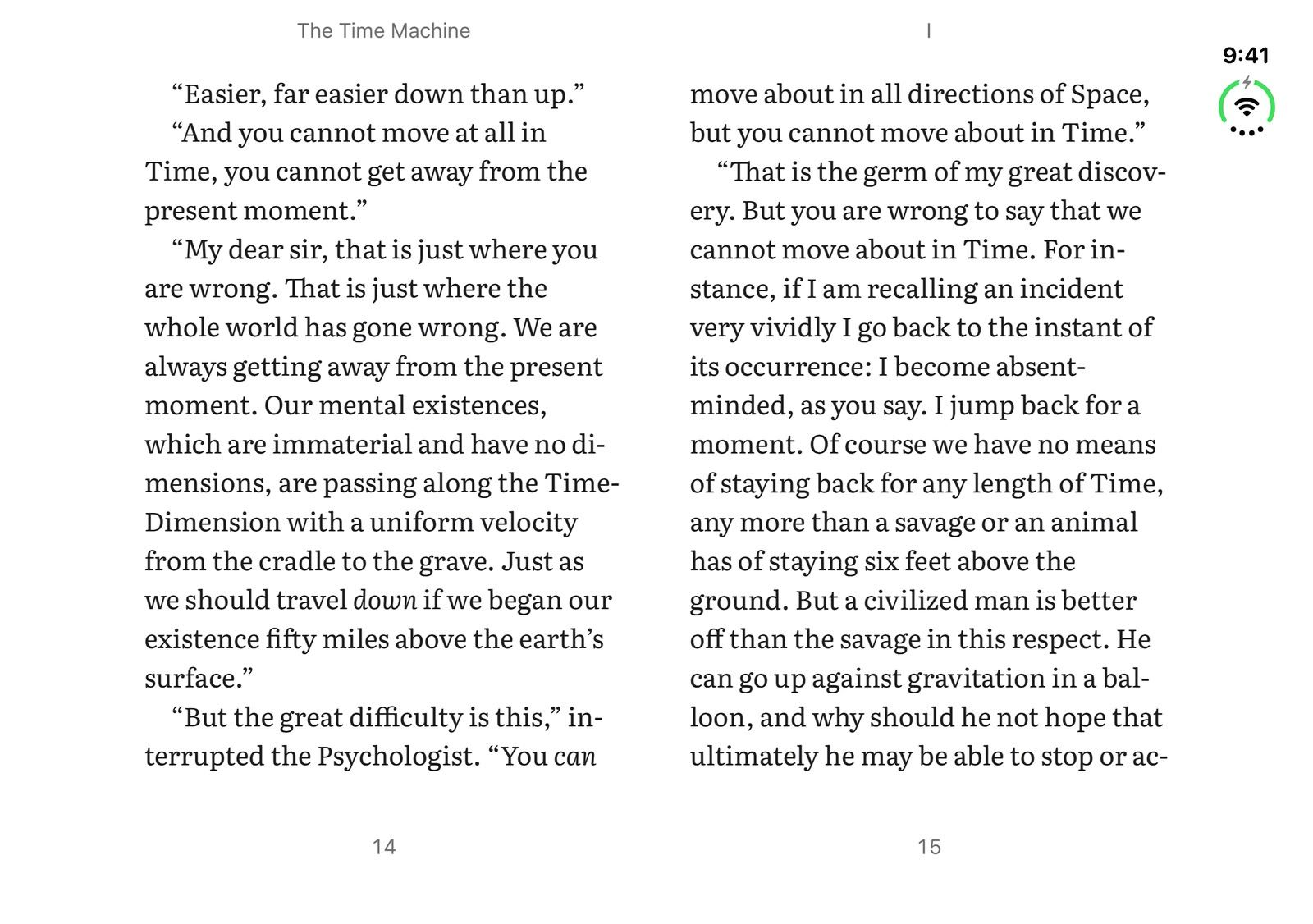
- 3.1 Read along with the narration In a synced book, the reader follows the narration word by word, and you can move between reading and listening without losing your place.
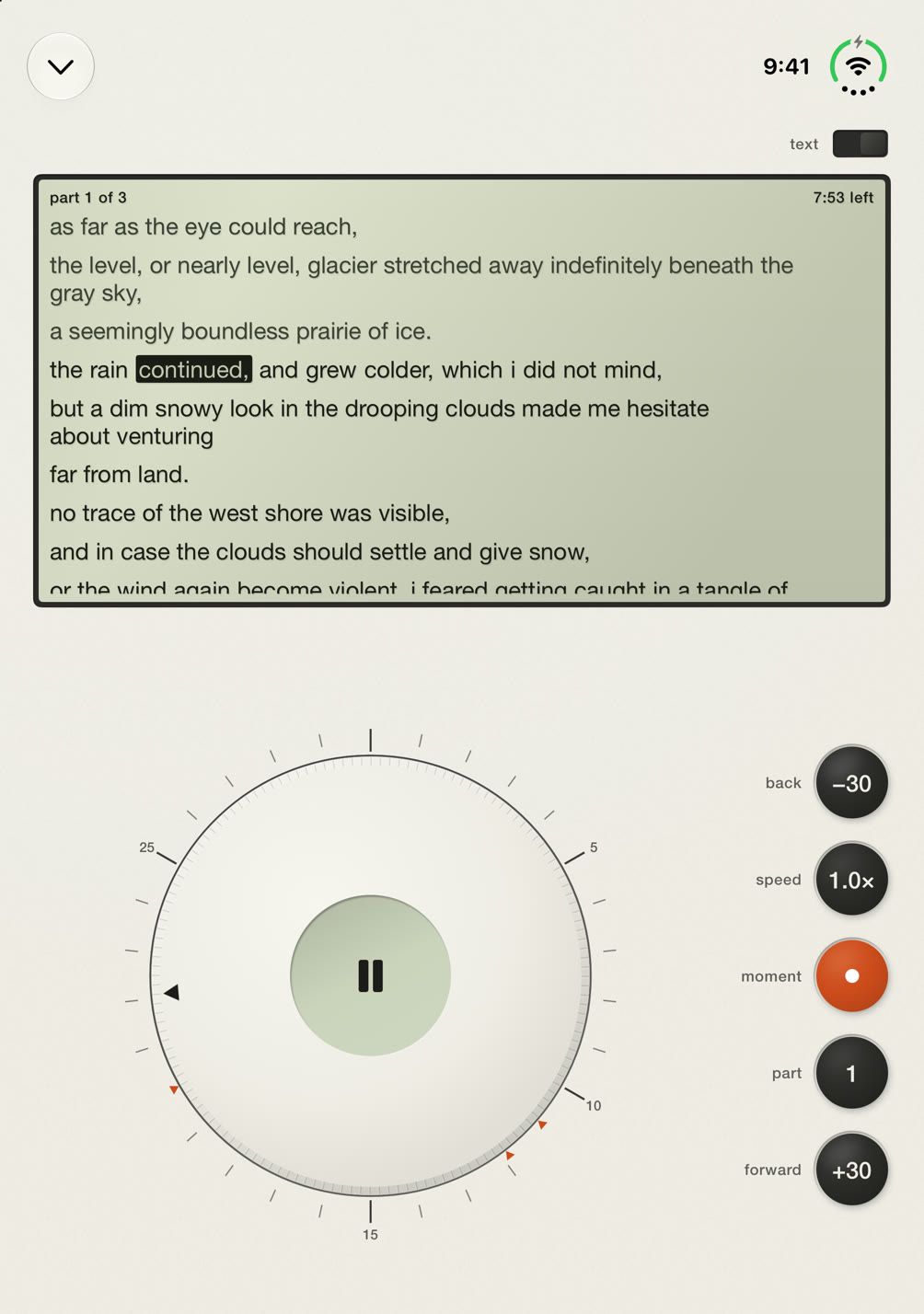
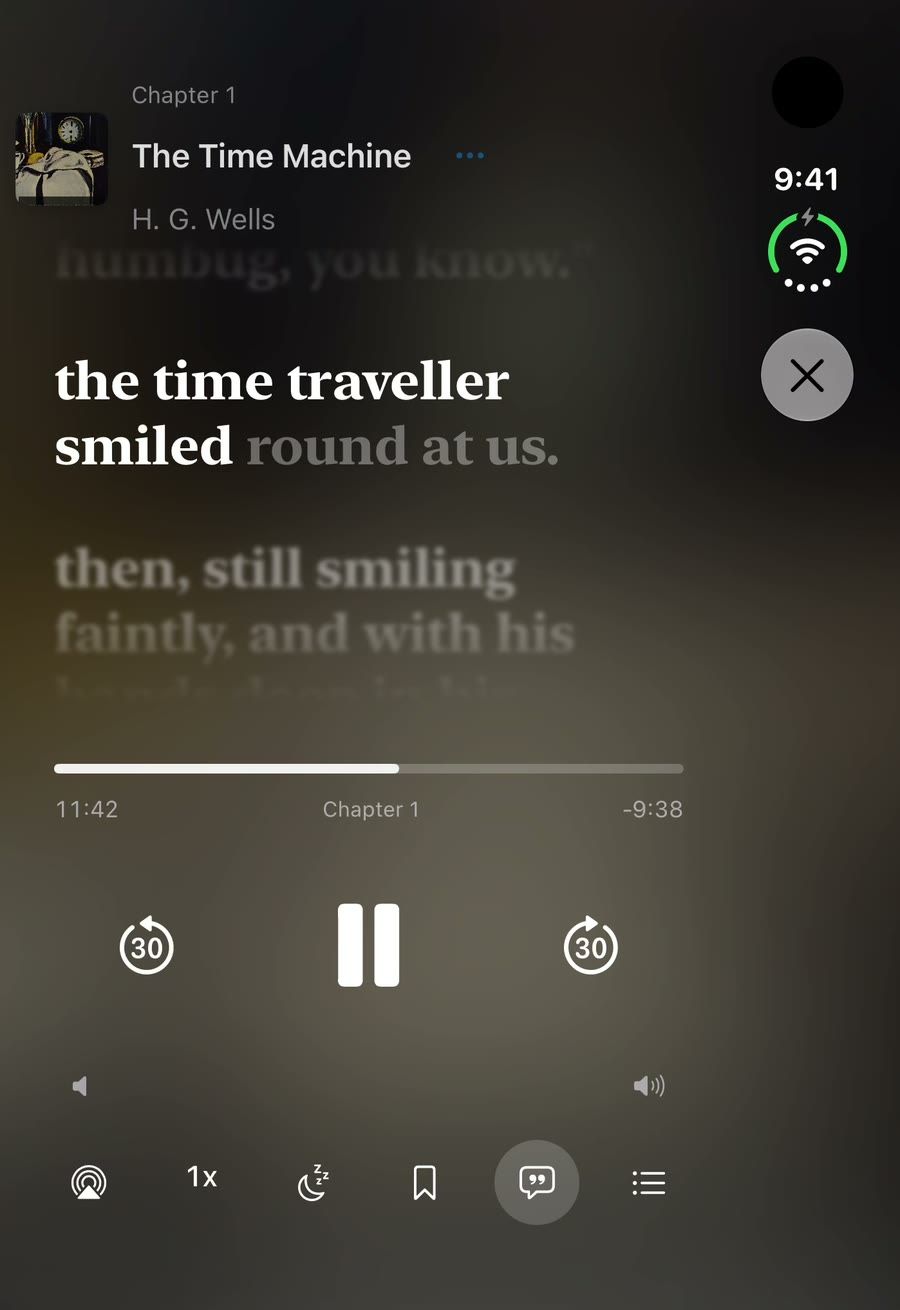
- 3.2 Follow along with Live Text Live Text shows the narration as large scrolling lines, like lyrics. Synced books use their alignment; other books are written out on your device while you watch.
§G4 Chapter 4 VX-G4
Moments
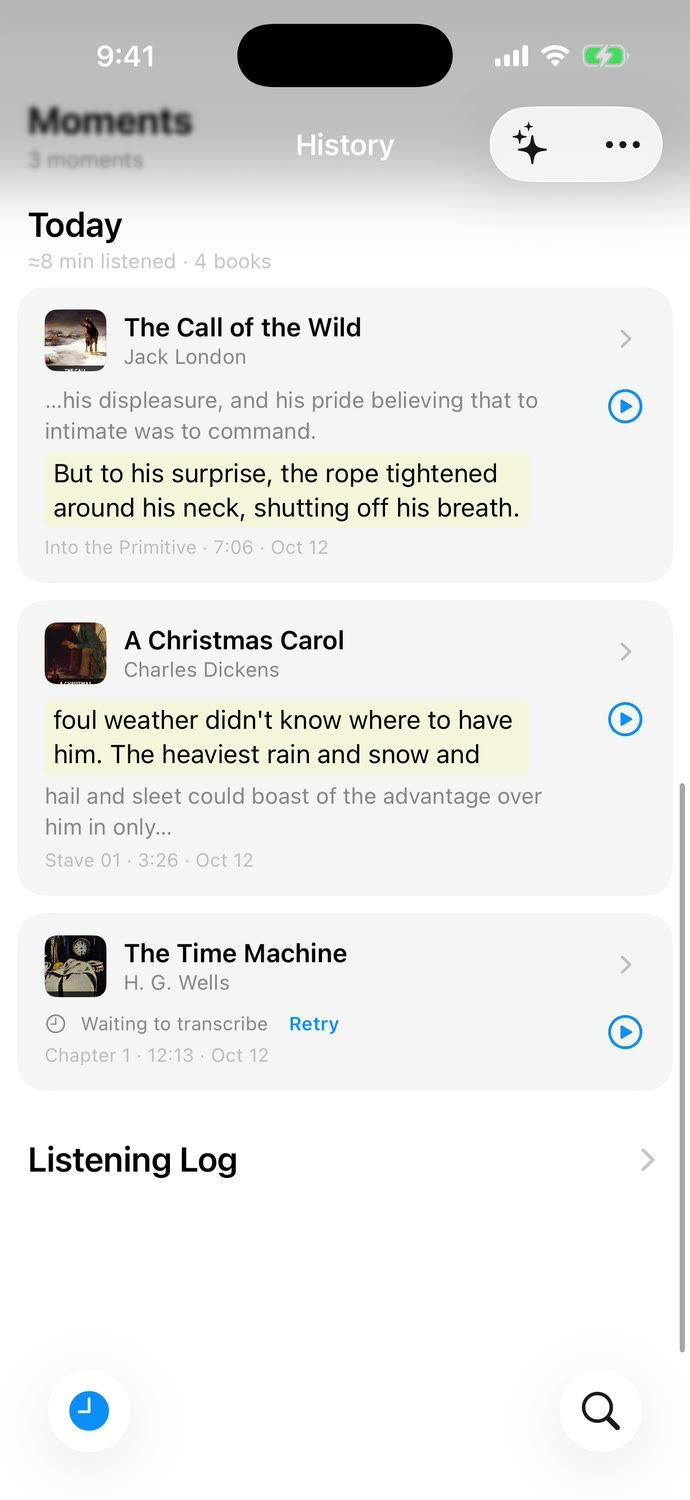
- 4.1 Keep a Moment One tap while listening keeps the audio around that spot, a transcript made on your device, and room for your note.
- 4.2 Export Moments and your data Take your Moments and listening data anywhere: Markdown, JSON, Readwise CSV, or a full ZIP.
- 4.3 Read your listening history The History tab is one scrolling page of your listening: a weekly recap, recently played books, your Moments and the listening log.
§G5 Chapter 5 VX-G5
§G6 Chapter 6 VX-G6
§G7 Chapter 7 VX-G7
§G8 Chapter 8 VX-G8
§G9 Chapter 9 VX-G9