
Owner's manual · Model VX-1VX-C
Preview · Not in the app yet
Coming to CarPlay
Voxlight in the car: your books on the dashboard, chapters by name, the speed you like and a Moment kept with one tap. It's built, and it's waiting on Apple.
Preview CarPlay isn't in the Voxlight you can download yet. Apple reviews every CarPlay app before it can run in cars; Voxlight's support arrives in an update once Apple approves it. Everything below is a preview, recorded on a CarPlay simulator with public-domain books.
§C2 What you'll be able to do VX-C2
In the car, in five clips
-
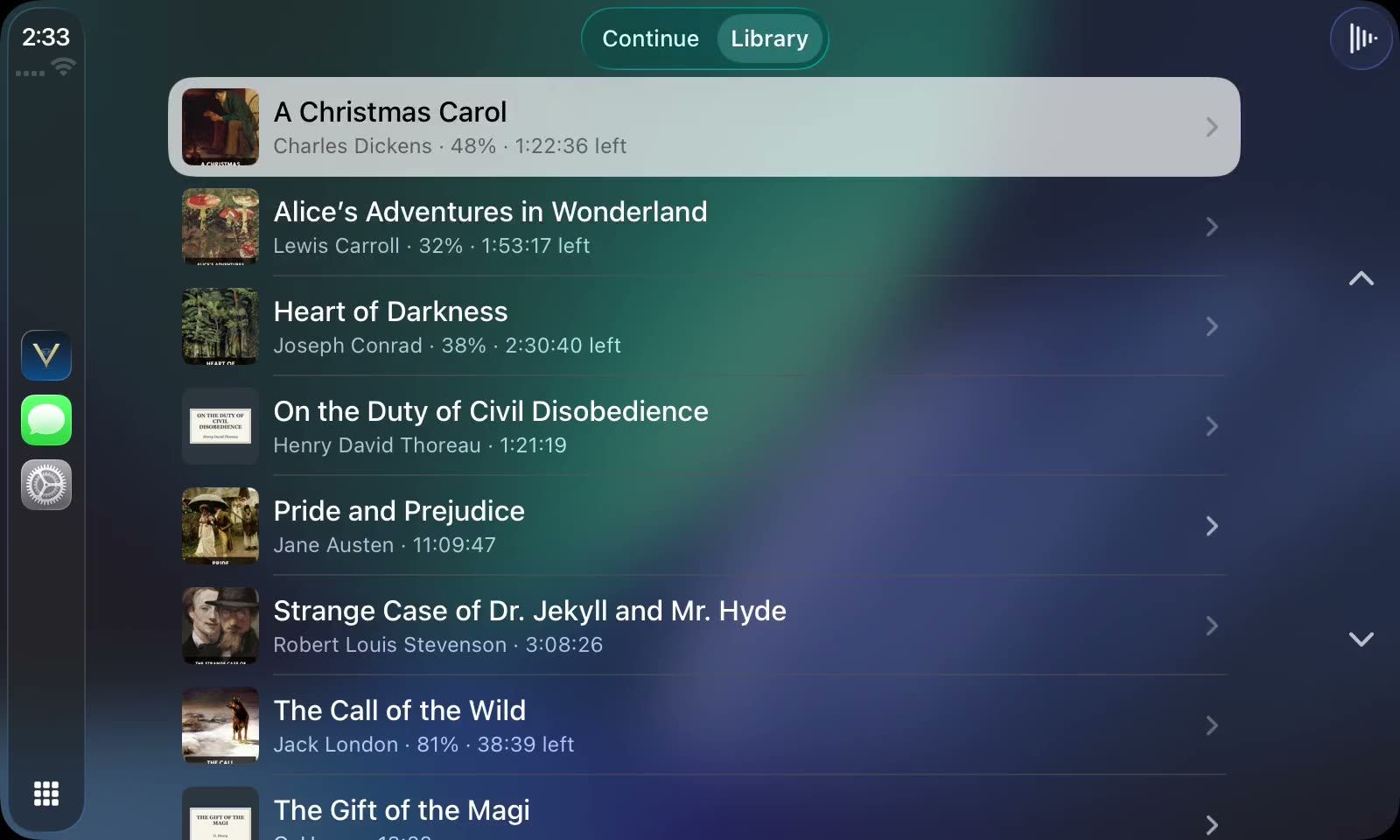
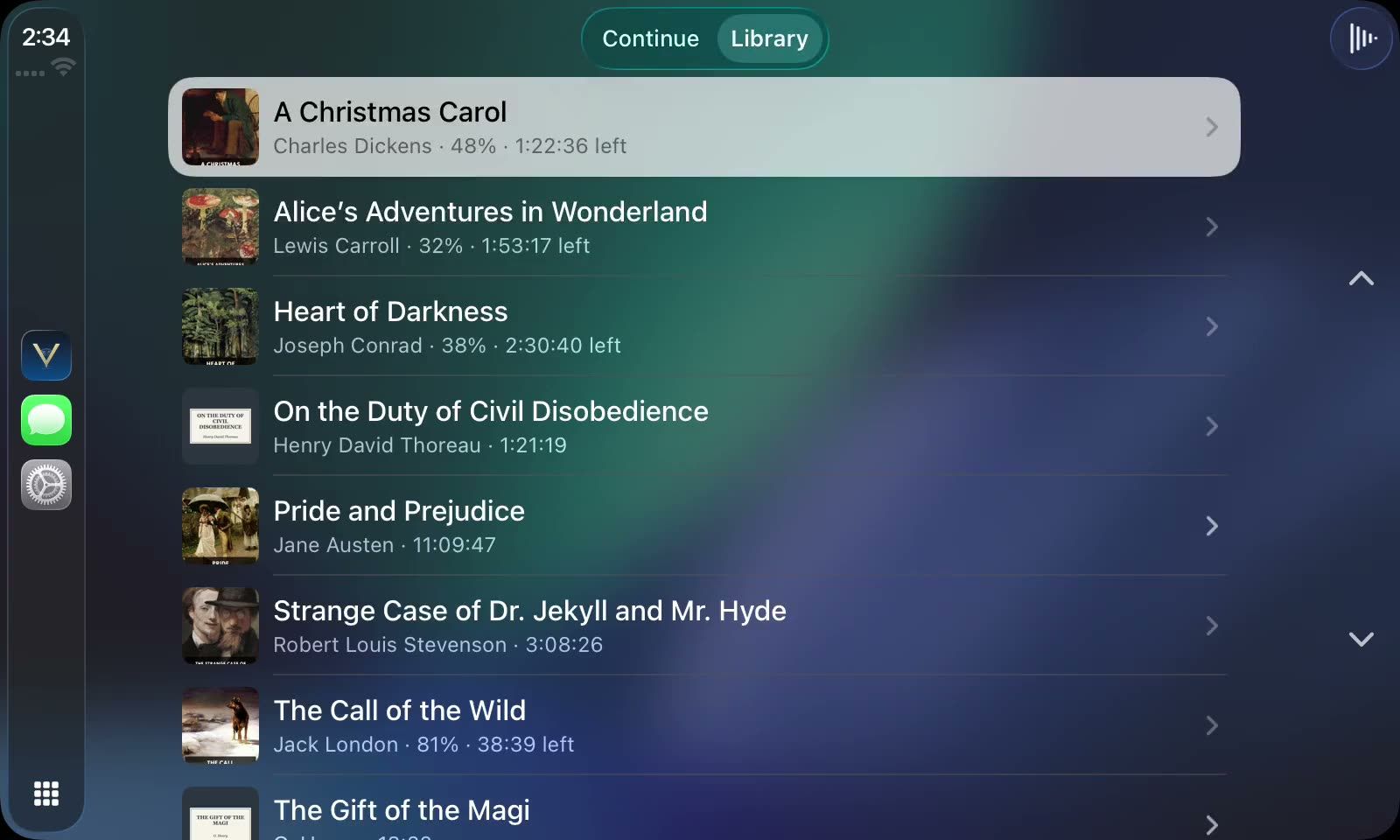
Fig. C2 · Open from the home screen Voxlight will sit on the CarPlay home screen. It opens to Continue, then the Library of the books on your phone. -
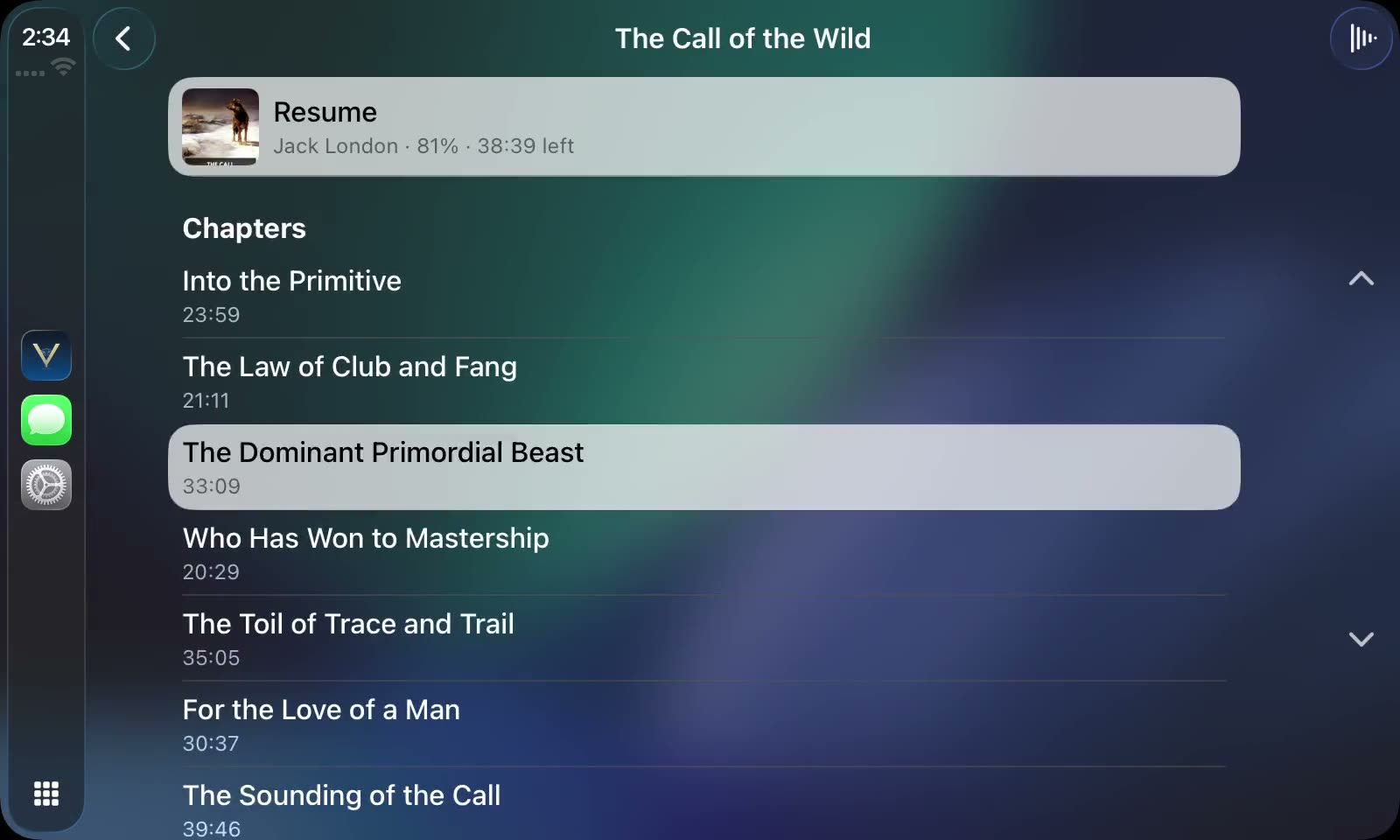
Fig. C3 · Straight to a chapter Open a book, pick a chapter by its name, and the narration starts on Now Playing. -
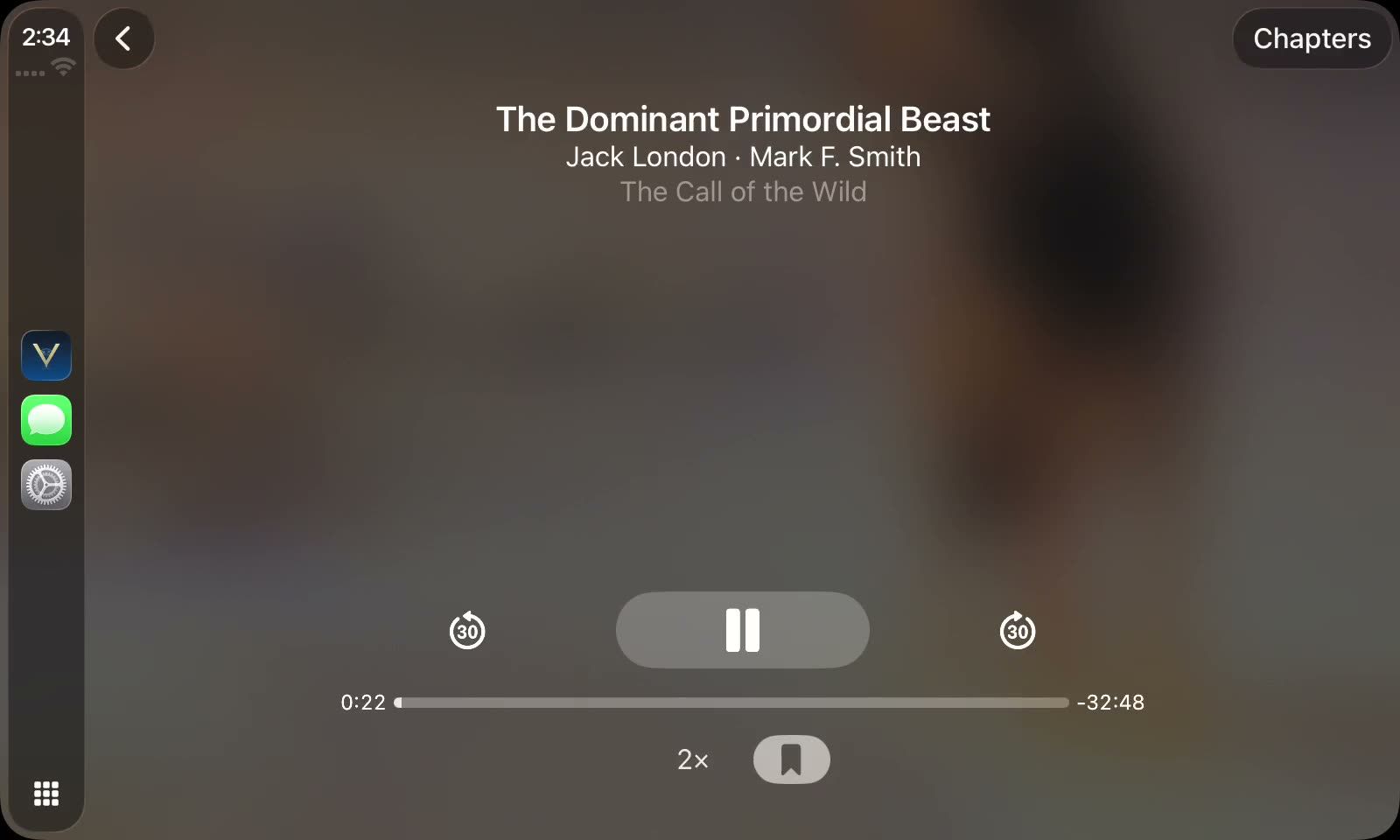
Fig. C4 · Speed and Save Moment Step the speed up or down, and keep a Moment of the passage you just heard, without picking up the phone. -
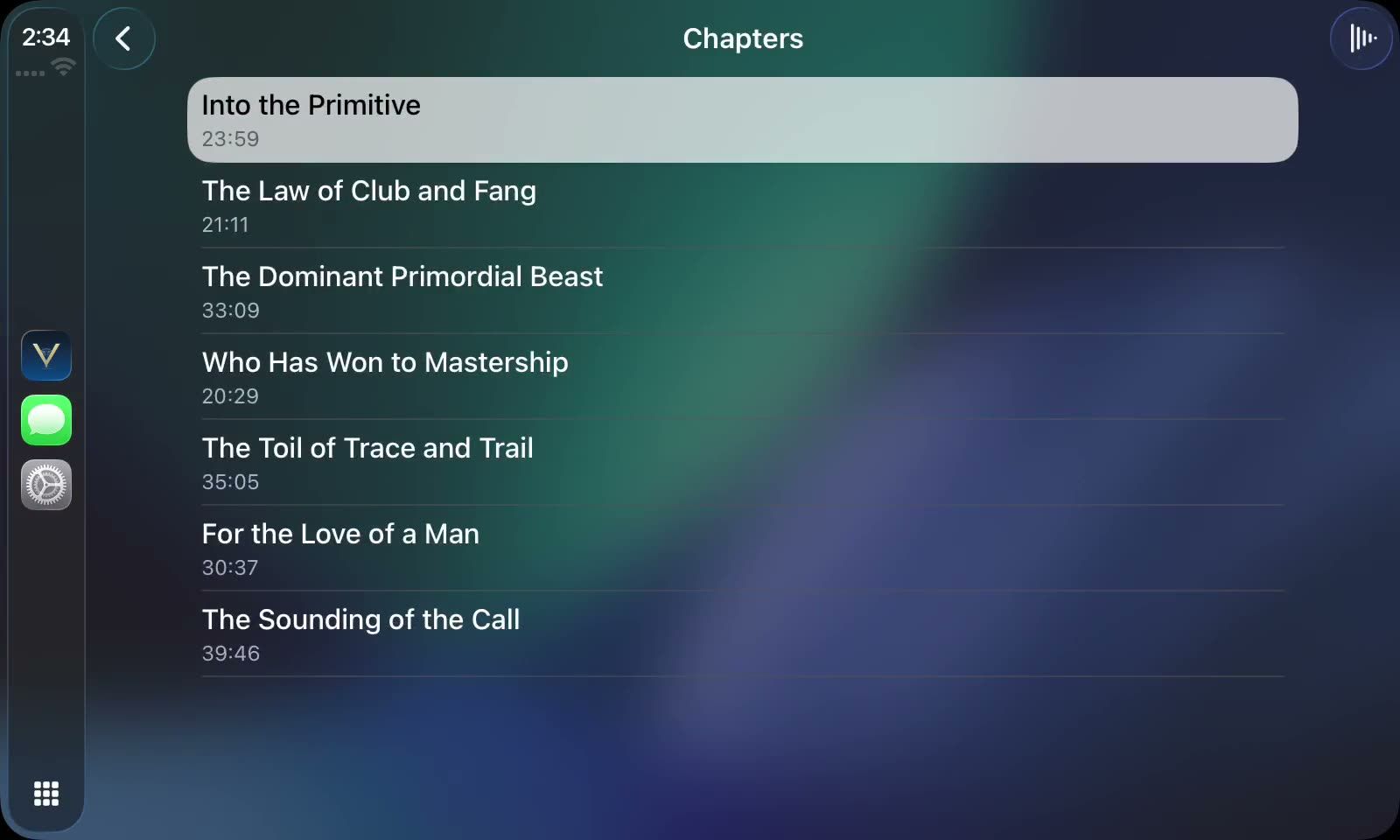
Fig. C5 · Chapters from Now Playing The Chapters button on Now Playing lists the book's chapters. One tap jumps there and comes back. -
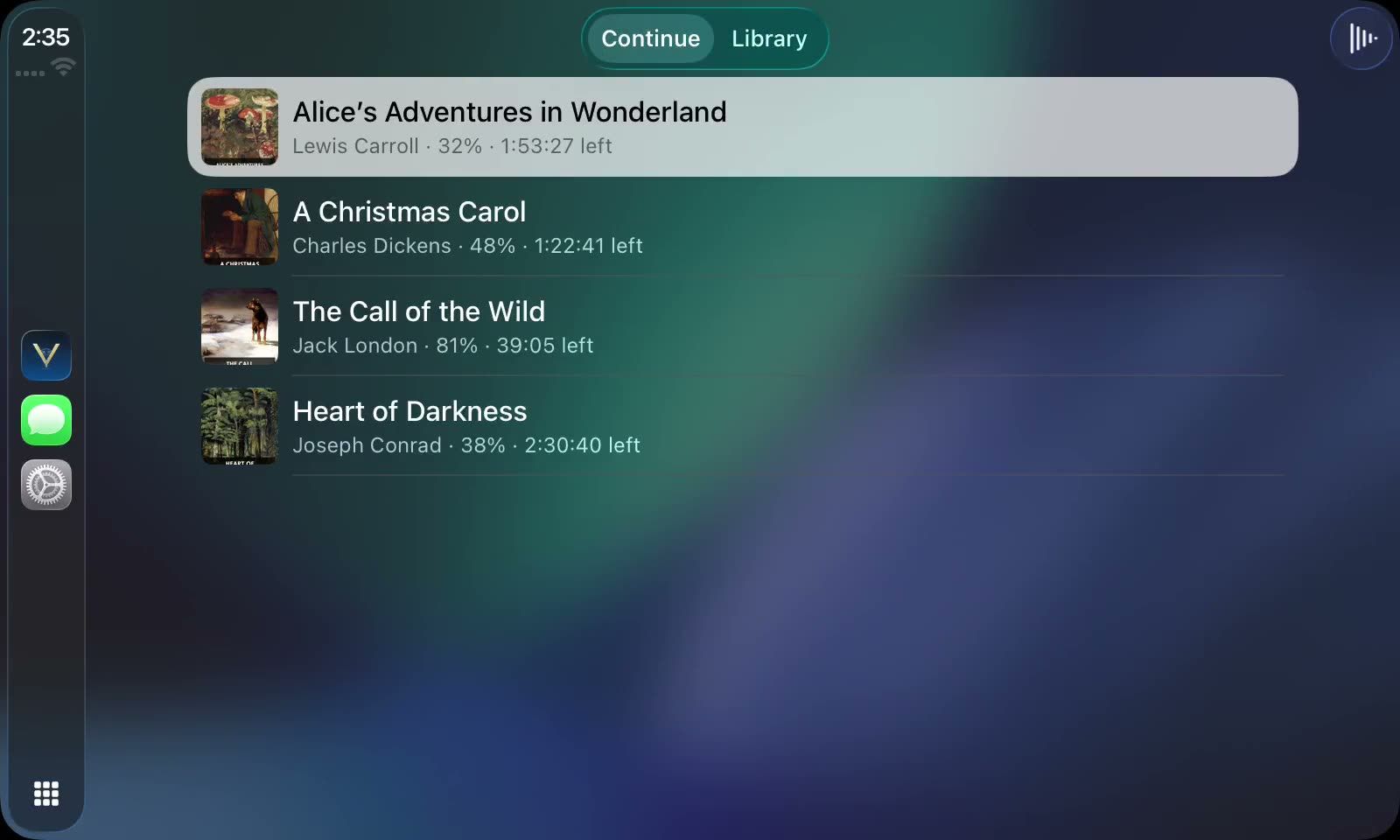
Fig. C6 · Continue listening Continue keeps the books you're in the middle of, with the time left. One tap picks up where you stopped.
§C3 Until then VX-C3
Until then
Voxlight already plays through your car's speakers over Bluetooth, like any audio app. For everything else, the user guide and the Shortcuts reference cover what works today.